
Skip to content

Use case

AI for Fashion Try-On to Lookbook

Show a garment on a person without a model booking, change outfits on an existing photo, get new poses from the same shot and turn a look into a short video. Several virtual try-on models sit side by side, so you can keep the one that fits your fabric best.

Start on the free Starter plan. Every model page lists its price per run.
AI for Fashion - FunAI
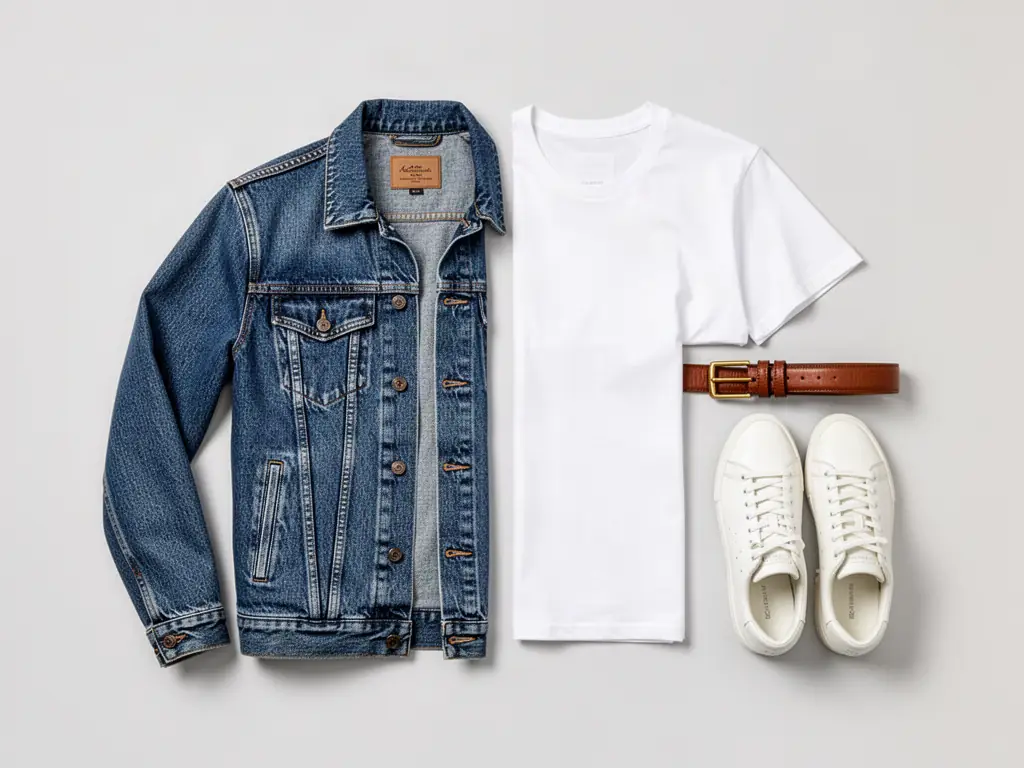
A denim jacket, white t-shirt and sneakers flat lay, made on FunAI

Garment Photo In, On-Model Photo Out

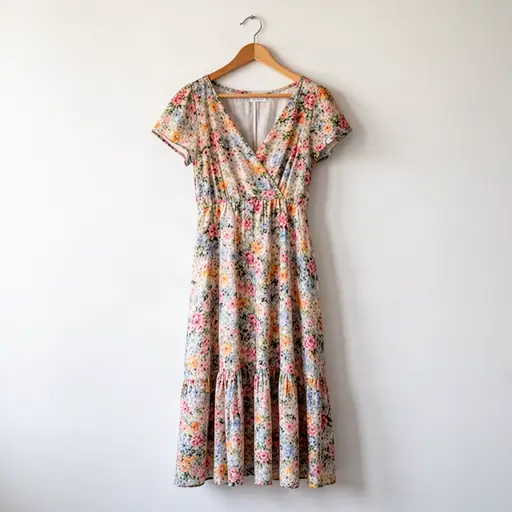
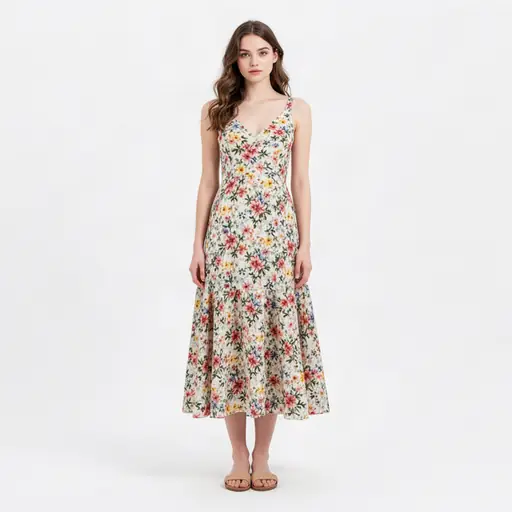
Pair a flat-lay or ghost-mannequin shot with a photo of a person, compare try-on engines on the same pair, then build poses and video from the result.

Open AI Cloth Changer

Several try-on engines

FASHN, Leffa, FLUX Virtual Try-On and Cloth-Changer each handle fabric and prints differently. Run the same pair through two and keep the closer fit.

Poses and variations

Pose Transfer and Multiple Angles Image give you a front, a three-quarter and a walking pose from one finished shot.

Looks in motion

Animate a styled look with Image-to-Video for social posts and product pages, or try Lucy 2.1 VTON for real-time try-on.

Tools for fashion

Try-on models, outfit swaps and on-model shots. The AI Cloth Changer page explains outfit swapping in depth.

  • •
    Virtual Try-On:Tries a garment on any photo of a person; the page compares try-on models for fit.
  • •
    FASHN Virtual Try-On v1.6:A try-on model focused on realistic fit and fabric, aimed at fashion stores and creators.
  • •
    Leffa Virtual Try-On:An open-source try-on model that keeps logos and prints sharp.
  • •
    AI Cloth Changer:Swaps the outfit in a photo while keeping the face and pose.
  • •
    AI Fashion Model:Places a person into a studio setting styled as a fashion model.
  • •
    Pose Transfer:Transfers a reference pose onto the subject, for a full set of shots from one photo.
Browse image models
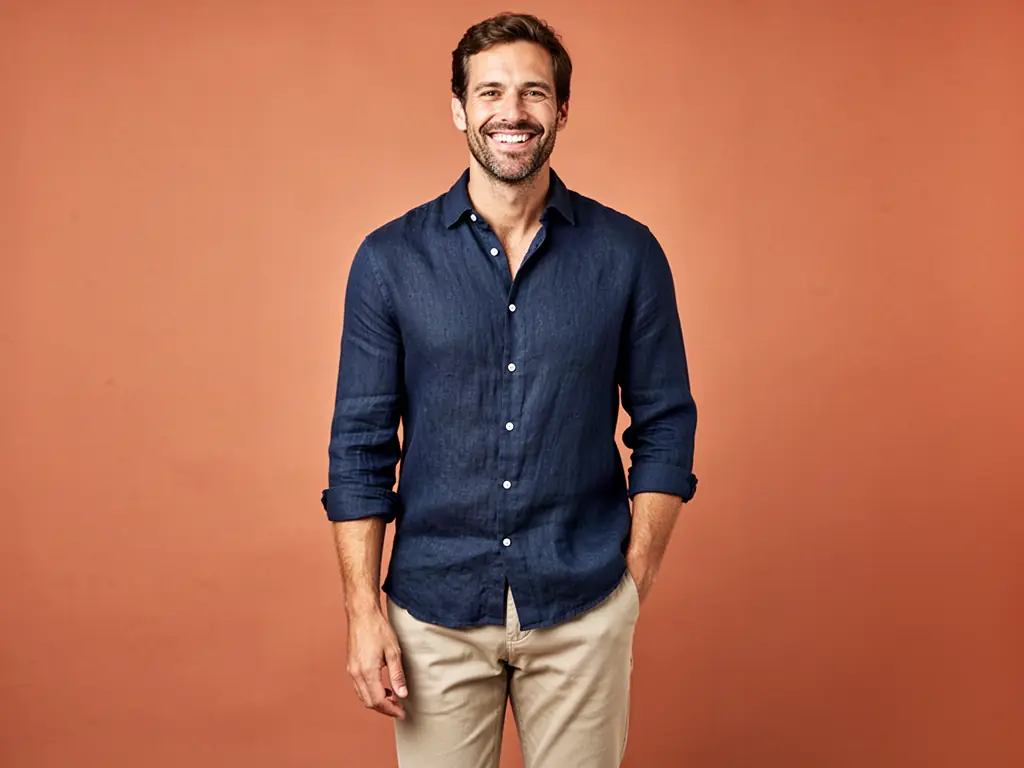
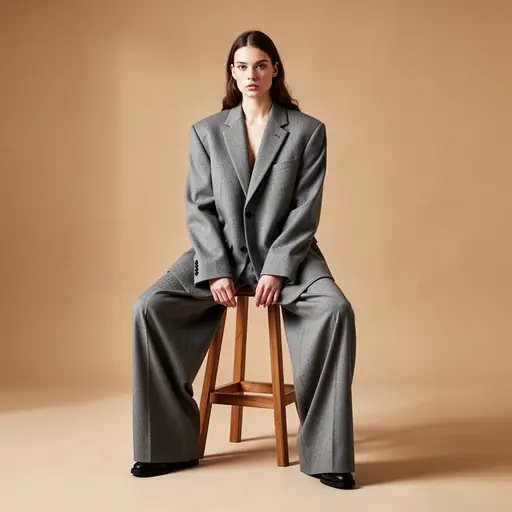
A model in a navy shirt on a terracotta backdrop, made on FunAI

AI for Fashion explained

Fashion sells on bodies, not hangers. Shoppers want to see drape, length and fit, and a brand with a new drop every few weeks rarely has the budget to shoot every piece on a model in every colour. Virtual try-on closes that gap: you supply a photo of the garment and a photo of a person, and the model dresses the person in it.

FunAI offers several try-on engines, each with its own page: FASHN Virtual Try-On (v1.5 and v1.6), Leffa, an open-source model that keeps logos and prints sharp, FLUX Virtual Try-On, and the Cloth-Changer model. The AI Cloth Changer Tool wraps the job in a simple upload flow, AI Fashion Model places a person in a studio as a model, and Pose Transfer copies a reference pose onto the subject for a fuller set of shots.

Fit details still need a human eye. Check that hems, necklines, prints and colours match the real piece, and try a second engine on the same pair of photos when one misses. For motion, the Image-to-Video Tool animates a finished look and Lucy 2.1 VTON Realtime offers a live try-on experience on video.

Why fashion brands use AI try-on

  • On-model photos for every piece, not just the hero items
  • Several try-on engines to compare on the same garment
  • New poses and angles from one finished photo
  • Colourways and outfit swaps without a reshoot
  • Short motion clips for social and product pages

From garment to lookbook

Feature visual preview 1
Feature visual preview 2
Feature visual preview 3
Feature visual preview 4
01

Prepare two photos

Shoot the garment flat or on a mannequin with even light, and choose a clear, front-facing photo of the person who will wear it.

02

Run a try-on

Open AI Cloth Changer or a try-on model such as FASHN v1.6 or Leffa, add both photos and run it. Try a second engine if the fit or print is off.

03

Build the set

Use Pose Transfer and Multiple Angles Image for more poses, AI Background Changer for a location, and Upscale for zoomable product pages.

04

Add motion

Animate the strongest look with Image-to-Video and cut a short lookbook clip in the video editor.

No public creations to show yet.

Everything you need to know