

How to Use FunAI Art Studio
How to Use FunAI Art Studio - Step-by-Step Guide
FunAI Art Studio brings AI image, video and voice tools into one workspace. You describe what you want, pick a model, and get a finished result in seconds. No design skills and no software to install.
Start Creating Free
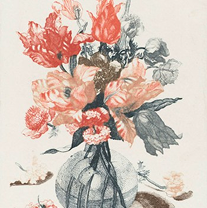
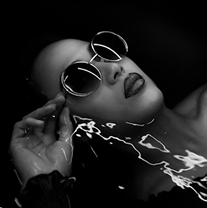
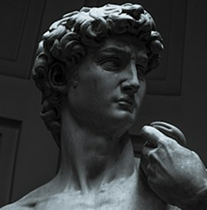
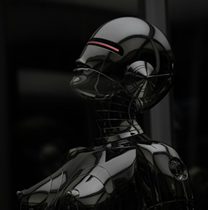
QUICK START : Create Your First Generation
Sign Up
Create an account and start with the Free plan. Daily login streaks earn you extra credits.
Open a studio
Choose Image Studio, Video Studio or Audio Studio depending on what you want to make.
Choose a model
Pick from leading models such as GPT Image 2, Flux, Seedream, Seedance, Kling or Nano Banana. Browse the full model list to compare them.
Write Prompt
Describe the subject, style, lighting and mood. Add a reference image if you want to guide the result.
Generate, refine and download
Click generate, review the result, then edit, upscale or download it.
Step 1: Create Your Account
Go to funai.art/register and sign up. The Free plan costs nothing and gives you access to basic AI models, so you can try the studio before paying. Log in each day to build a streak and earn free creation credits.
Step 2: Choose the Right Studio
Image Studio
Text-to-image, image editing, upscaling, style transfer
OpenVideo Studio
Text-to-video, image-to-video, motion control
OpenAudio Studio
Text to speech, voice cloning, sound effects, music
OpenTools
One-click utilities such as background changer, cloth changer, ad maker
OpenPresets
Ready-made templates you can remix with your own photos
Step 3: Pick a Model
Each model has its own strengths, so the model you choose changes the look of the result.
Photorealistic images & clean text in image
Try GPT Image 2
Fast, flexible image generation
Try Flux Models.
Cinematic video
try Seedance, Kling or Gemini Omni Flash.
Stylized or artistic images
try Seedream or Nano Banana.
Not sure which to use? Generate the same prompt on two models and compare. The Models page shows what each one does best.
Step 4: Write a Prompt That Works
A good prompt is specific. Use this formula
A ceramic coffee mug on a wooden table, morning window light, soft shadows, product photography, close-up shot
Quick tips:
Be specific.
"A red vintage bicycle against a brick wall" beats "a bicycle".
Name the style.
For example: cinematic, anime, watercolor, 3D render, minimalist.
Describe the light
Golden hour, neon, soft studio light and similar terms change the mood a lot.
Iterate
Change one detail at a time and regenerate.
Use a reference image
when you need a particular subject, pose or composition.
How to Use Each Studio
Image Studio
Use Image Studio to generate and edit images.
- Text to Image: type a description and get an image.
- Image to Image: upload a picture and transform it into a new variation.
- AI Image Editor: remove unwanted elements and enhance details.
- Inpaint: select an area, then remove or replace only that part.
- Background Changer: swap the background and keep the subject clean.
- Style Transfer: apply an art style to your image.
- Upscale Image: increase resolution while preserving detail.
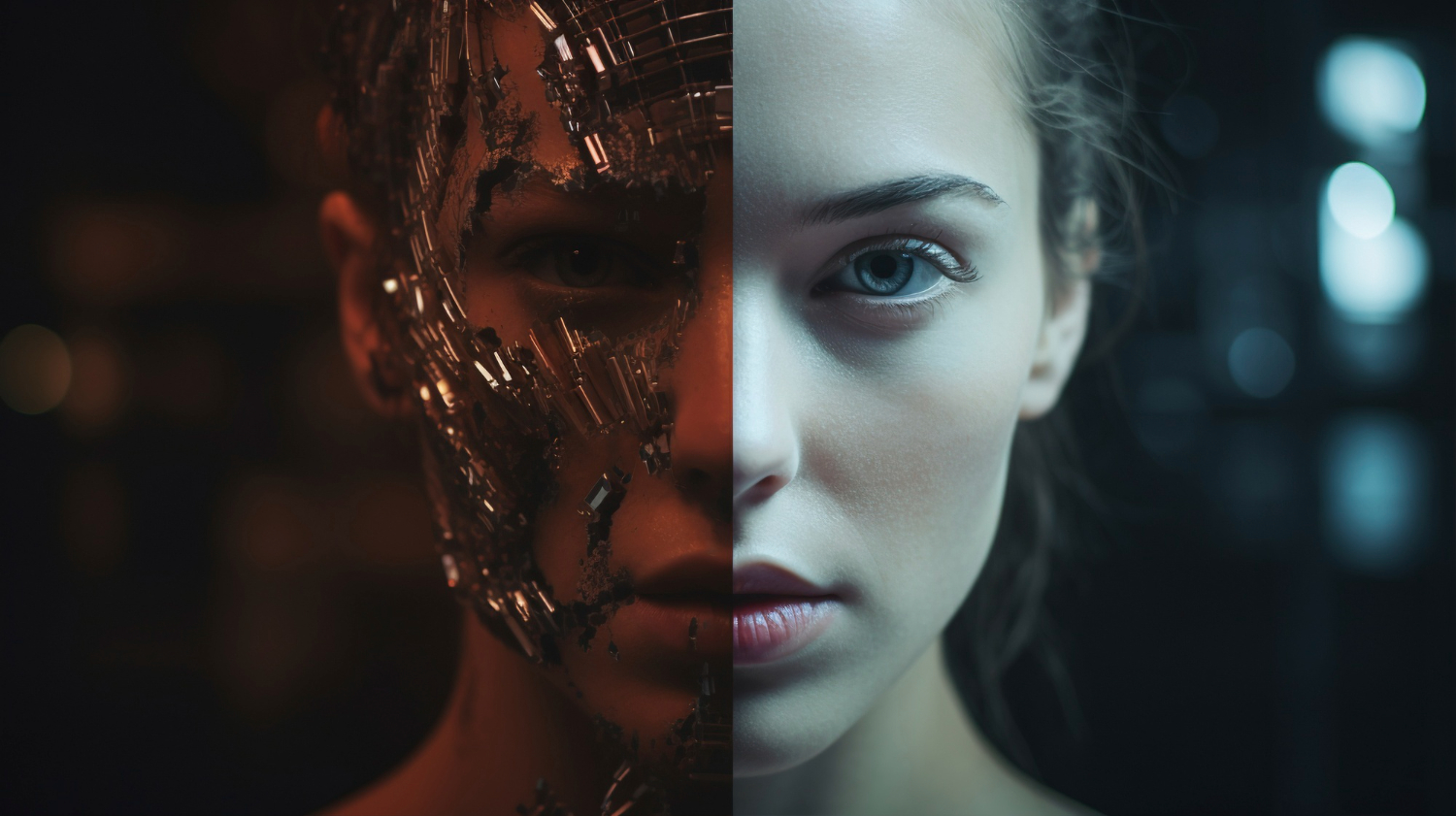
Step 5: Refine and Download
After your first result:
Check the details
Look at faces, hands, text and edges
Fix & Inpaint
with Inpaint or the AI Image Editor instead of regenerating everything.
Upscale
the final image or video for sharper output.
Download
your file and use it in your project.
Understanding Credits and Plans
Every generation uses your plan's credits and allowances. Models vary in how much they use, and higher tiers unlock more models.
Trying FunAI, basic models, daily login streak credits
Premium models and HD outputs
All models, 4K outputs and commercial license
Teams and businesses, API access, white-label options
Common Use Cases
- Social media content: create graphics and short videos in minutes.
- Product visuals: build mockups, packaging and ad creatives.
- Marketing videos: make UGC-style ads and promos.
- Voiceovers: narrate videos with natural AI voices.
- Creative projects: logos, posters, portraits and character art.
Troubleshooting Tips
- The result doesn't match your idea: make the prompt more specific and name a style.
- Faces or hands look off: try a different model or fix the area with Inpaint.
- Image looks soft: run it through Upscale Image.
- Out of credits: log in daily for streak credits or upgrade your plan.
Frequently Asked Questions
Quick answers to help you get the most out of FunAI Art Studio.